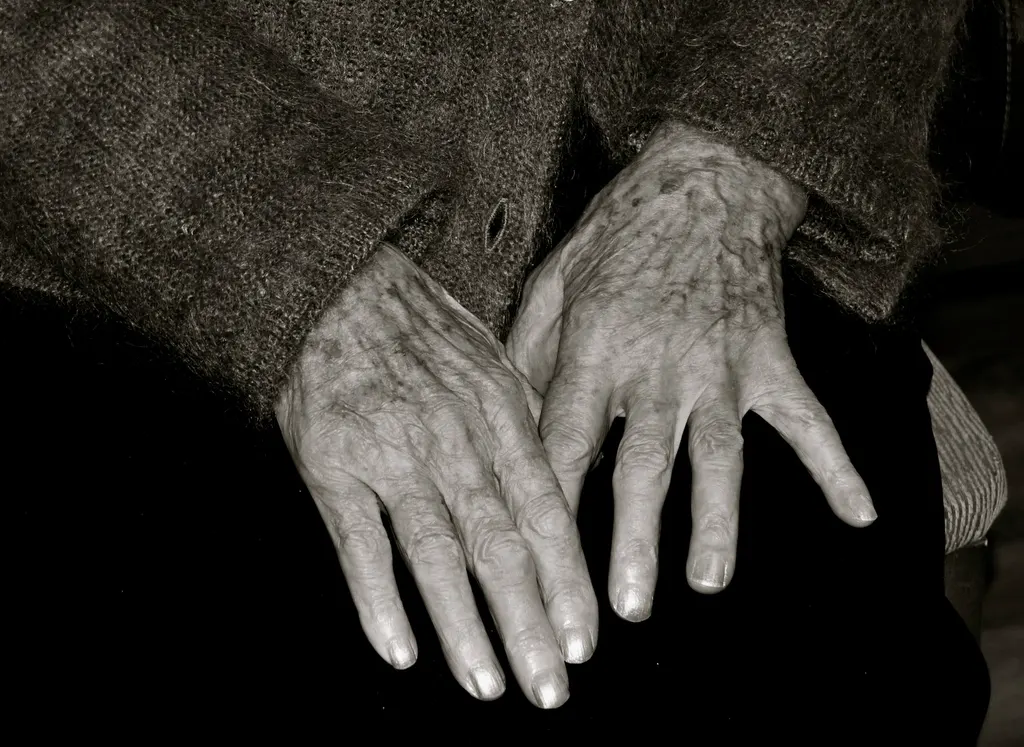
Head movement
For patients who can turn their head
The screen is split into four zones. Turning the head highlights an answer and a single blink picks it. This is the quickest mode.
- One short calibration
- An answer in a couple of seconds
A caregiver asks a question. ReNav puts four likely answers on screen, and the patient picks one by turning their head, blinking, or spelling a reply in Morse. The app says it out loud.
Already have an account? Sign in
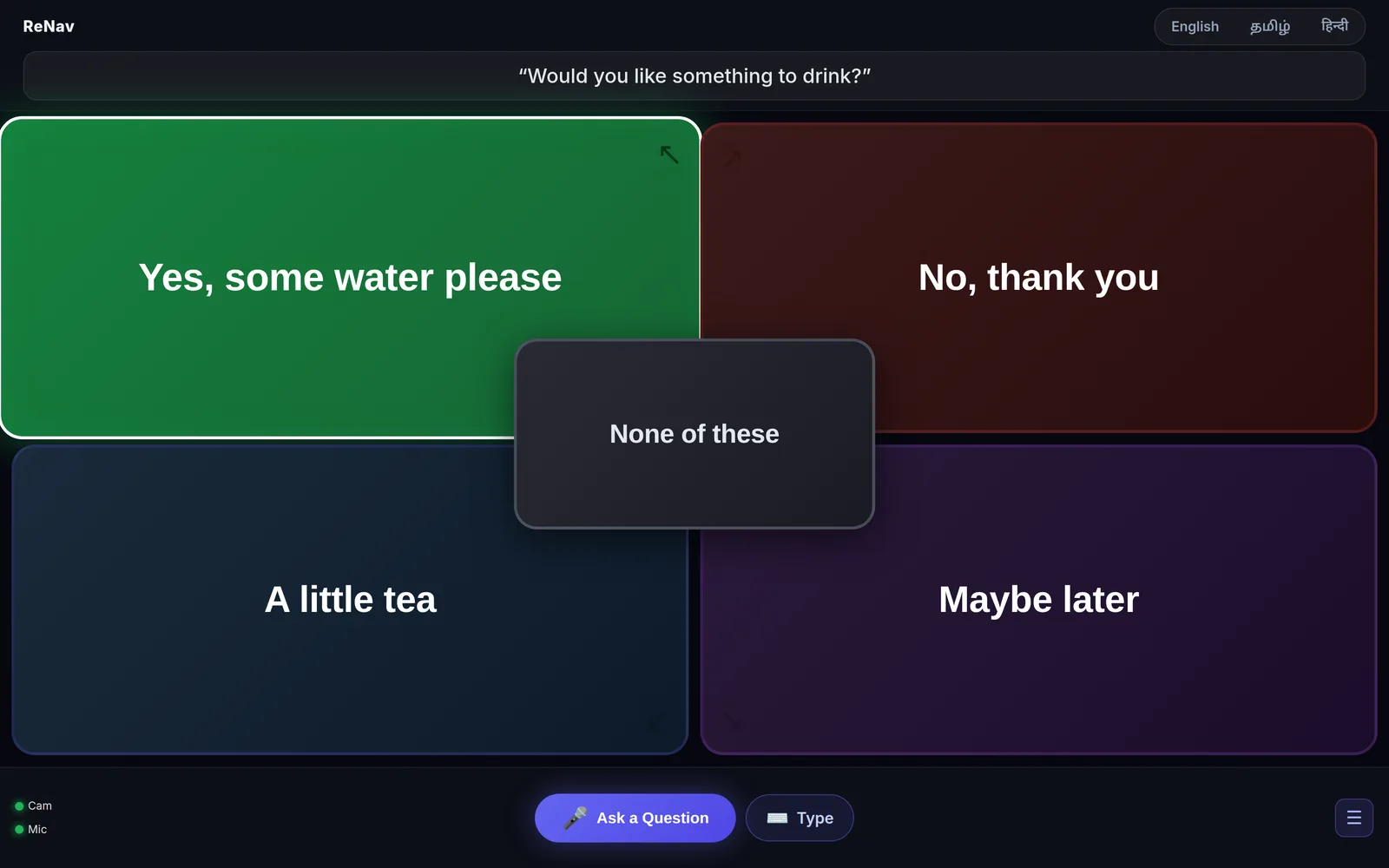
You need a laptop or tablet with a camera. Setting up takes a couple of minutes, and most of that is a short calibration.
Say the question into the microphone, type it, or tap one of the ready-made ones, such as “Are you in pain?”
Short answers written for that question, in a second or two. “None of these” is always in the middle.
With a turn of the head, by blinking through the answers, or by spelling. Tracking runs in the browser.
The answer is spoken aloud and saved to the history, so the family can see what was said earlier.
Pick the one the patient can manage today. You can switch at any time and keep the same history.
For patients who can turn their head
The screen is split into four zones. Turning the head highlights an answer and a single blink picks it. This is the quickest mode.
For locked-in patients
The answers are stepped through instead of pointed at. A short blink moves on; a long blink picks. The head does not need to move.
When the answer is not on the list
The same two blinks, short for a dot and long for a dash, spell out any reply. It is slower, but the words are the patient’s own.
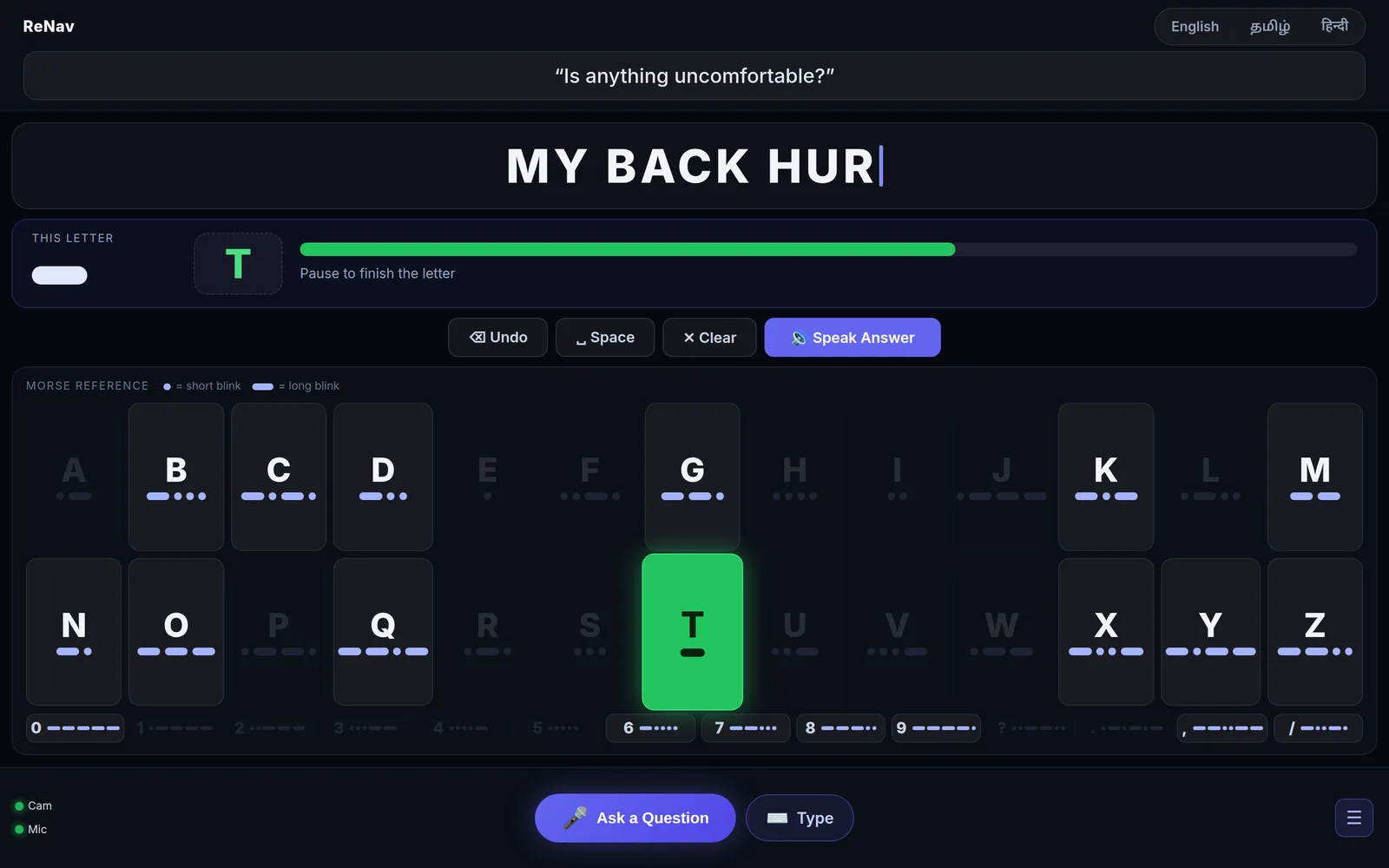
The full alphabet stays on screen. As dots and dashes come in, letters that can no longer match fade out, and the one being spelled lights up. A bar under the letter shows how long the blink has been held, so the patient can see when a dot becomes a dash.
A pause finishes the letter. A longer pause adds a space. The caregiver has Undo, Clear and Speak.
ReNav is an augmentative and alternative communication (AAC) tool for people who have lost speech and movement through ALS, spinal cord injury, stroke or severe cerebral palsy, and for people who cannot speak for now, such as ventilated ICU patients.
Dedicated AAC devices are expensive and need specialist fitting. ReNav runs on a laptop or tablet you already have.
It is for patients who understand but cannot speak. It does not suit conditions that affect understanding itself, such as receptive aphasia.
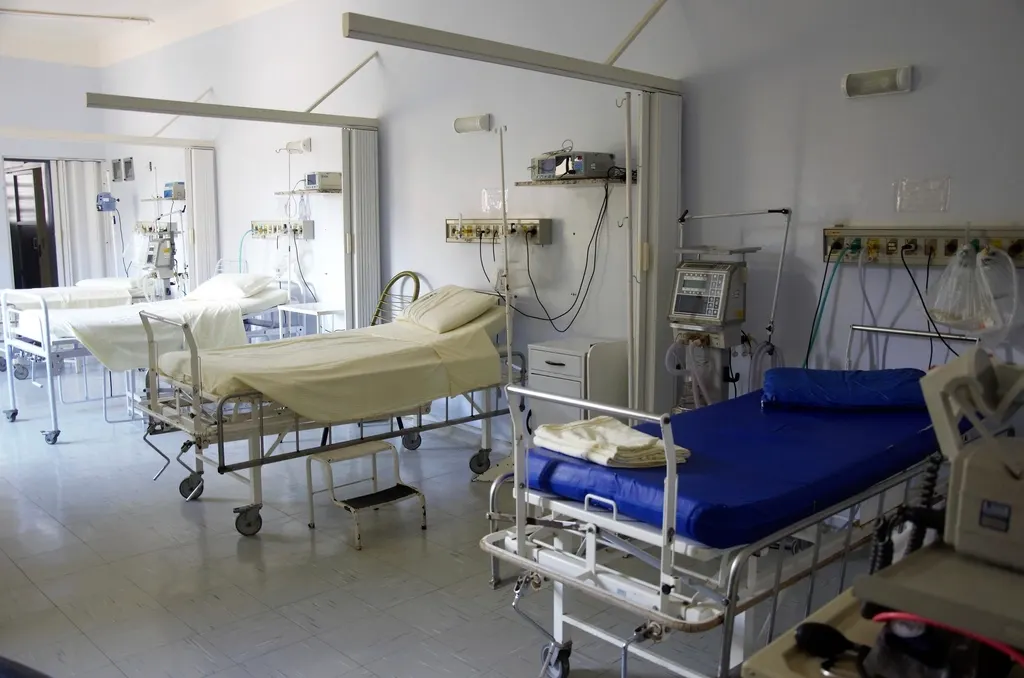
Noisy rooms, shared tablets, patchy connections and tired caregivers.
Open the website on a laptop, desktop or large tablet. No drivers and no app store.
Face and blink tracking run in the browser. No video or image is sent to a server.
Options are written for each question and take recent conversations into account, rather than one fixed list.
With nothing on screen, two long blinks sound an alert that repeats until a caregiver responds.
Works on a basic mobile connection. The camera never streams anywhere.
English on the free plan. Paid plans add Tamil and Hindi for screens, answers and speech.
Start free and upgrade only if you need to. Morse mode is unlimited on every plan.
For trying it at home
or ₹8,999 a year, two months free
Wards, NGOs and CSR programmes
Anything else, write to [email protected].
A laptop, desktop or large tablet with a camera, and Chrome or Edge. A phone screen is too small for the patient to choose between answers comfortably, though this website works on any device.
No. Face and blink tracking run inside the browser, and no video or image leaves the device. The question asked and the answer chosen are saved to your account’s history. The privacy policy lists exactly what is stored.
The patient can choose “None of these”, and the caregiver can ask again. For anything the four answers cannot cover, Morse mode lets the patient spell their own reply.
Yes. When no question is on screen, two long blinks sound a chime and speak a call for help, repeating until a caregiver answers it. One long blink alone does nothing, so falling asleep never raises an alarm.
Type the question instead, or tap one of the ready-made questions. Both work exactly like speaking.
There is no card checkout. Send a request, we write back with how to pay, and we switch your account over by hand, usually within a day. Nothing renews automatically. If cost is a barrier, tell us.
Open ReNav on the laptop you already have, run the two-minute calibration, and ask the first question.